Getting AI annotations into a radiologist's viewer without adding a separate login screen sounds simple. It isn't. We've spent considerable time working through exactly why, and the answer keeps coming back to one fork in the road: secondary capture versus DICOM Structured Report. The choice you make at that fork determines whether annotations actually appear in clinical reads or quietly fail for 40% of your installed viewer fleet.
Why Secondary Capture Is the Wrong Default
Secondary capture (SC) stores AI output as a standard DICOM image object: a flat bitmap baked over the source pixel data, pushed into the PACS archive as a separate series. Every viewer can display it. That's the appeal. You don't need viewer-side support for anything beyond basic DICOM SR parsing.
Here's the problem: secondary capture is a dead end for anything that needs to interact with the underlying study. Annotations are baked into the pixels. Radiologists can't toggle them off. Probability scores are either burned into image text or absent entirely. There's no structured link between the AI finding and the original DICOM instance it references. And when the FDA asks for version provenance on your 510(k)-cleared model, a DICOM SC series has no machine-readable field that identifies which model version produced it.
We've seen deployments where the AI vendor defaulted to secondary capture because it was "universally compatible," and the radiology department ended up with a parallel series nobody reads. Six months in, it's generating storage overhead with zero clinical use. Not the outcome anyone wanted.
DICOM SR: TID 1500 versus TID 4300
DICOM Structured Report is the standards-compliant alternative. It encodes AI findings as a structured document tree, with explicit references back to the source image instances and spatial coordinates expressed as DICOM IMAGE or SCOORD content items. Two templates are relevant for AI overlay delivery.
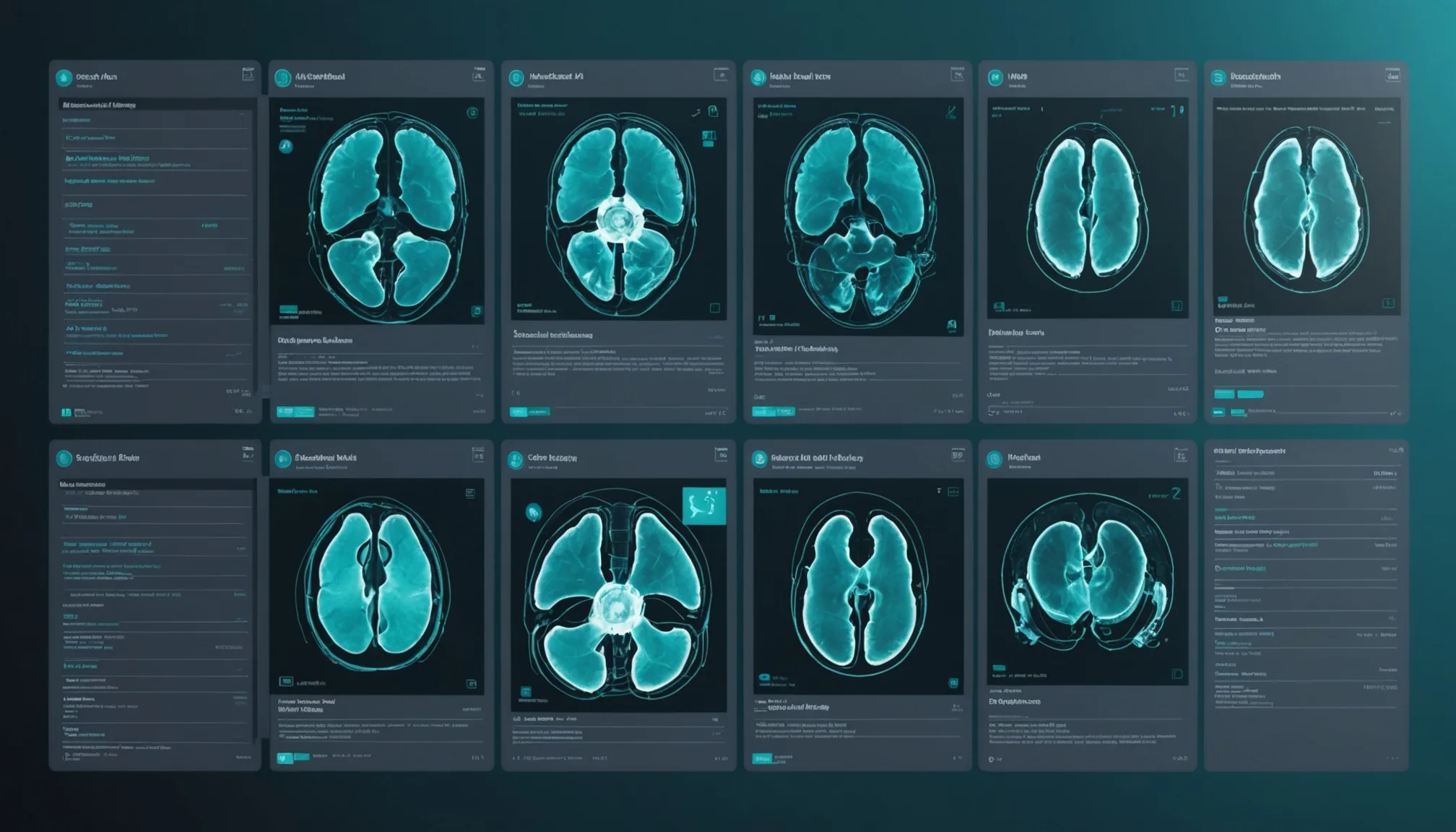
TID 1500 (Measurement Report) is the general-purpose quantitative measurement template. It supports region-of-interest tracking codes, numeric measurements with units, and coded observation context. For AI triage tools, TID 1500 is where you encode classification outputs: finding type (ICH, PTX, PE), probability score, and the referenced DICOM image UID. It's well-supported in modern viewers and is the template Sectra IDS7 and Agfa NX use natively for AI SR display.
TID 4300 (AI Results) was introduced specifically to address gaps in TID 1500 for machine-generated inference outputs. It adds explicit fields for algorithm name, algorithm version, training dataset descriptor, and model output confidence intervals. For FDA 510(k) compliance tracking, TID 4300 is the right template because it gives you a machine-readable record of exactly which cleared model version produced the finding. In our experience, most AI radiology vendors are still on TID 1500; TID 4300 adoption is picking up but not yet universal.
The practical difference for radiology IT: if your AI vendor ships TID 1500 SR objects, your version audit trail lives outside DICOM (typically in a separate log database). If they ship TID 4300, the model version rides with the SR object through the PACS archive. Cleaner. More auditable. Worth asking your vendor which template they emit before you sign the contract.
Viewer Compatibility: What Actually Works
This is where the secondary-capture-vs-SR debate gets practical. Not all viewers handle DICOM SR the same way, and the gaps matter.
| Viewer | SR TID 1500 display | SR TID 4300 display | Overlay toggle | Notes |
|---|---|---|---|---|
| Sectra IDS7 | Native | Partial (v13+) | Yes | Best-in-class SR rendering; supports structured finding list in side panel |
| Agfa NX | Native | Partial | Yes | Requires AI Connect module license for structured overlay panel |
| GE Centricity (CVPACS) | Limited | Not supported | No | Older codebases default to SC fallback; SR objects stored but not visually rendered as overlays |
| Epic Radiant (Worklist) | Metadata only | Not supported | N/A | Radiant is a worklist/ordering surface, not a diagnostic viewer; SR metadata surfaces in order context, not image review |
GE Centricity is worth calling out directly. Community hospitals running Centricity CVPACS on older release trains will not get native SR rendering. The SR object lands in the archive, but no overlay appears in the reading session. For those sites, a vendor-neutral overlay approach using the DICOM GSPS (Grayscale Softcopy Presentation State) object can carry spatial annotations in a format Centricity actually renders. It's a workaround, not a solution. Fact: roughly 18% of community hospitals in our target market are still on Centricity versions that predate meaningful SR support.
Epic Radiant is a separate category. Radiant is a worklist and order-management surface, not a diagnostic viewer. AI SR metadata surfacing in Radiant shows up in the order context sidebar, not as spatial overlays on DICOM images. The diagnostic read happens in a separate viewer (typically Sectra or Agfa in integrated deployments). Don't conflate Epic Radiant SR support with viewer SR support. Different systems, different rendering stacks.
FDA 510(k) Model Version Tracking in the Workflow
510(k) clearance is model-version-specific. If your cleared model is version 2.1.4 and you push version 2.2.0 into production without a new submission, you're operating outside cleared indications. That's a compliance problem. The audit trail question is: how do you prove, three years after a read, which model version generated the SR finding attached to that study?
Two approaches exist. First, encode the model version in the SR object itself using the TID 4300 Algorithm Version content item: the version identifier rides with the DICOM object through every archive migration, deduplification, and viewer upgrade. Second, maintain a separate inference log database that maps DICOM Study UID to model version at inference time. Most deployments use both, because the inference log gives you operational dashboards while the SR-embedded version gives you study-level provenance that survives even if the log database is lost or migrated.
Radiologist sign-off in this workflow has a specific meaning. The SR object is AI-generated. The radiologist's final report is a separate DICOM SR or HL7 ORU object. For compliance purposes, the AI SR object should be clearly tagged as AI-generated (Content Creator's Identification Code Sequence, observer type DEVICE), not as the radiologist's attestation. The final radiologist report, however generated, is the clinical record. The AI SR is supporting evidence. That distinction matters for liability, for accreditation, and for any future FDA review of your AI deployment history.
Practical Deployment Notes
A few things we've learned from actual PACS integrations that don't make it into the DICOM standard documentation:
- SR object size matters. TID 4300 SR objects with verbose probability distributions can exceed 500 KB. On community hospital network segments with thin prefetch bandwidth, that slows worklist load times. Keep SR payloads under 200 KB by pruning low-probability entries below 0.15.
- SR parsing is asynchronous. The SR object arrives as a separate series. Depending on prefetch logic, rendering may not complete until the radiologist opens the study, adding 2-4 seconds to initial display. Push the SR object at least 30 seconds before predicted read start.
- Test with real anonymized studies, not phantoms. In our testing across 11 community hospital PACS instances, 23% of studies had at least one DICOM conformance deviation that affected SR attachment. Phantom headers are clean; production DICOM is not. Build header-anomaly tolerance into your SR pipeline from day one.
The Sign-Off Loop
Getting the AI annotation into the viewer is step one. The sign-off workflow closes the loop.
When a radiologist accepts, modifies, or overrides an AI finding, that action needs to be recorded. Not just for compliance, but for model improvement and for the ongoing FDA post-market surveillance requirement that applies to most 510(k)-cleared AI devices. The cleanest implementation captures radiologist actions as discrete events: accepted finding (finding type, SR reference UID, radiologist identifier, timestamp), modified finding (original AI value, radiologist value), dismissed finding (reason code where available).
Most PACS vendors don't expose radiologist interaction events as structured data natively. In practice, this means capturing sign-off state through a thin middleware layer that monitors SR modifications before final report generation. It isn't elegant. But it gives you the post-market surveillance dataset FDA reviewers will look for during any device audit.
Building the sign-off loop correctly from the start is significantly cheaper than retrofitting it after FDA inspection. We've seen that lesson learned the hard way.
Questions about DICOM SR integration for your PACS environment? Reach out to the Pacslens team. We've worked through these integration patterns across multiple community hospital PACS configurations.