

Platform
Six integrated capabilities that work inside your existing PACS and EHR environment — no separate application, no change to the radiologist’s reading session, no manual routing after initial HL7 feed configuration.
Flags suspected ICH, PTX, and PE within 90 seconds of DICOM acquisition.
Pacslens runs a fast-triage classification model on every inbound DICOM study within 90 seconds of worklist arrival. The model is trained on 1.4 million de-identified chest and head CT studies annotated by board-certified radiologists and achieves 96.2% sensitivity on held-out community hospital data for the three primary critical-finding categories. Flagged studies are re-sorted to the top of the radiologist's active worklist and trigger an immediate HL7 ORU notification to the ordering provider, regardless of department staffing levels.
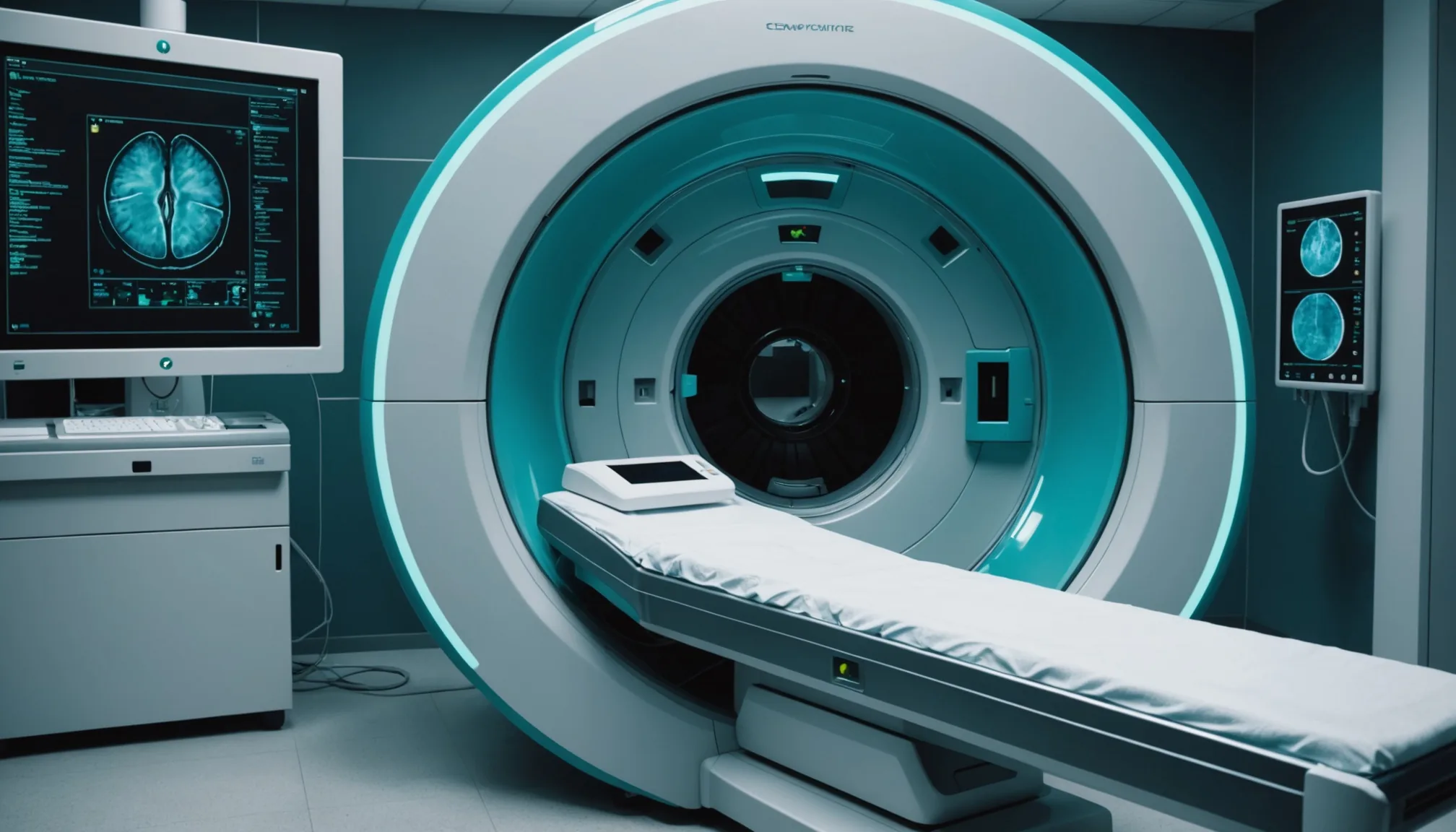
AI-generated preliminary structured findings narrative before the radiologist opens the study.
For every chest CT, head CT, and abdominal CT, Pacslens generates a structured pre-read note that identifies organ systems with imaging abnormalities, retrieves and summarizes relevant prior studies from the PACS archive, and flags incidental findings that require follow-up recommendation language. Radiologists can accept, edit, or discard individual pre-read elements, reducing average report-generation time by an estimated 6-9 minutes per study.
Dynamic worklist re-ordering by predicted urgency, study age, and patient acuity score.
Pacslens re-orders the active worklist continuously using a composite urgency score that combines the AI triage classification, study age, ordering provider priority designation, and patient acuity data from the ADT feed. Studies approaching the department's target turnaround time are elevated before they breach. The result is a read sequence a single radiologist can follow without manual queue management during high-volume overnight shifts.

Timestamped log of every triage decision and critical-finding notification for ACR and accreditation reporting.
Every triage event, worklist promotion, critical-finding alert, and notification delivery is logged with a UTC timestamp, model version identifier, and operator action record. The compliance dashboard generates monthly ACR Critical Results Communication reports covering detection-to-notification time, radiologist override rate, and false-positive review statistics. Logs are exportable in CSV and HL7 MDM format.
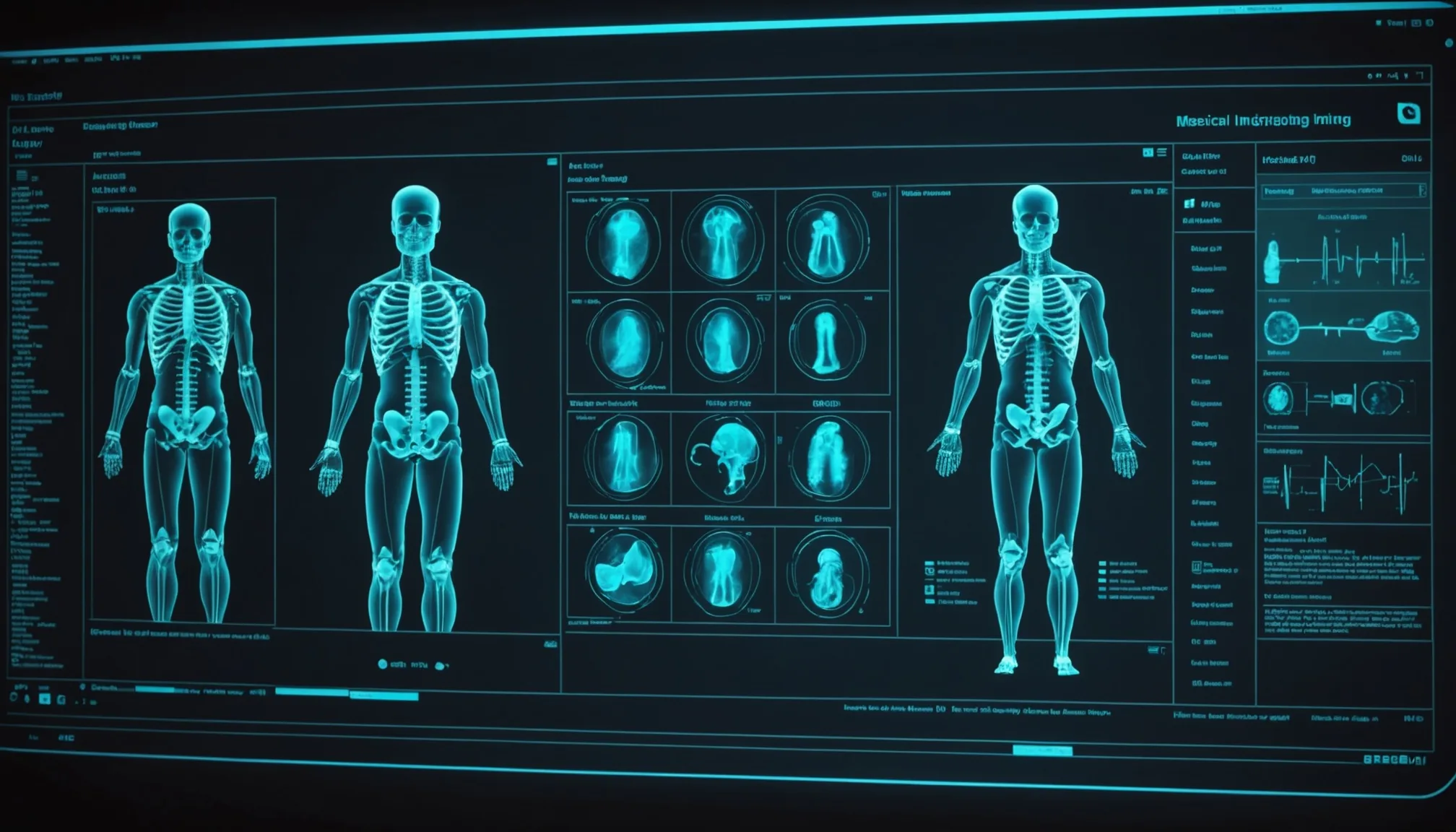
Bounding-box annotations and probability scores rendered inside the existing PACS viewer without a separate application.
Pacslens delivers AI annotations directly into the radiologist's primary PACS viewer via a thin integration layer compatible with Sectra IDS7, Agfa NX, and any DICOM SR-capable viewer through a vendor-neutral structured report attachment. Annotation visibility can be toggled per session to accommodate radiologists who prefer unassisted initial reads.
HL7 ORU and FHIR Task messages push critical-finding notifications directly to ordering provider workflows in Epic and Cerner.
When Pacslens flags a critical finding, it generates an HL7 ORU R01 message (or FHIR Task resource for FHIR-enabled EHRs) delivered to the ordering provider's in-basket in Epic or Cerner within 60 seconds of triage classification. Community hospitals with 24/7 hospitalist coverage can configure escalation logic so that unacknowledged critical alerts route to the charge nurse or on-call physician after a defined hold window.
Initial deployment requires an HL7 feed configuration session with your IT team — typically completed in one afternoon. We support Epic Radiant, Cerner RadNet, MEDITECH, Sectra, and Agfa out of the box. Contact us to scope a pilot for your department.